Unity ML-Agents vs Custom AI Solutions
Should you use Unity ML-Agents or build custom AI? We analyze the pros and cons to help you choose the right path for your game's intelligence.
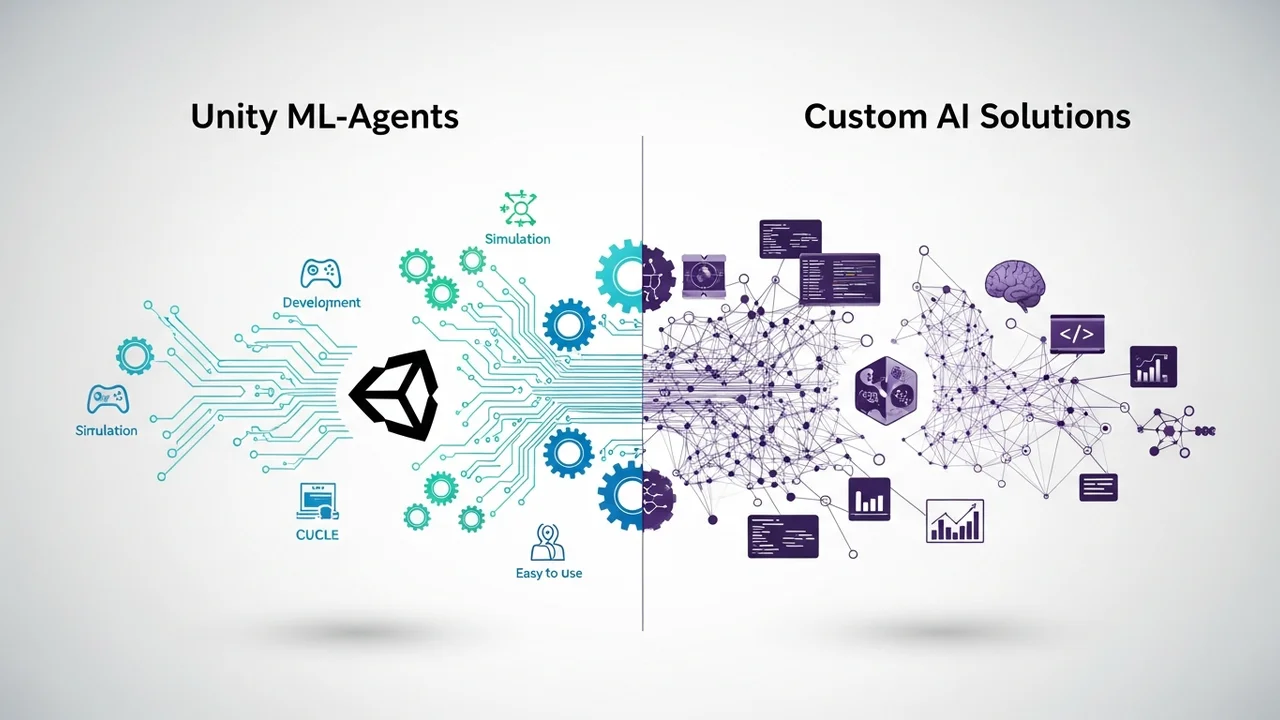
Should you use Unity ML-Agents or build custom AI? We analyze the pros and cons to help you choose the right path for your game's intelligence.
Unity ML Agents vs Custom AI Solutions
If you are diving into the world of game development, you have probably hit that wall where you need your NPCs to be smarter than a brick. You are looking at the options, and two big paths keep popping up: Unity ML-Agents or building your own custom AI solution from scratch. It is a classic debate, and honestly, there is no one-size-fits-all answer. Let’s break it down in a way that actually makes sense for your project.
Understanding Unity ML Agents for Game Development
Unity ML-Agents is essentially a toolkit that lets you use machine learning inside the Unity engine. It is built on top of TensorFlow, which sounds intimidating, but Unity has done a great job of wrapping it in a way that game devs can actually use. The core idea is reinforcement learning. You set up an environment, define a reward system, and let the AI play the game millions of times until it figures out how to win. It is incredibly powerful for things like training a character to walk, fight, or navigate complex mazes without you having to write every single line of logic.
The Pros and Cons of Using Unity ML Agents
The biggest pro here is speed. You do not have to reinvent the wheel. You get access to pre-built algorithms like PPO (Proximal Policy Optimization) and SAC (Soft Actor-Critic). It is also deeply integrated into Unity, meaning you can use the editor to visualize what your AI is doing. However, the downside is the learning curve. Even with the toolkit, you need to understand the basics of machine learning. Plus, it can be a resource hog during the training phase. If you are working on a simple mobile game, this might be overkill.
Building Custom AI Solutions for Game Logic
Now, let’s talk about the custom route. This is where you write your own state machines, behavior trees, or utility-based AI. You are the architect. You decide exactly how the NPC reacts when it sees the player. You are not training a neural network; you are coding logic. This is the traditional way games have been made for decades, and for many genres, it is still the best way.
Comparing Custom AI vs ML Agents for Performance and Scalability
When you compare the two, performance is the main differentiator. Custom AI is usually much lighter on the CPU. It is deterministic, meaning if you tell the NPC to turn left, it turns left. With ML-Agents, the behavior is probabilistic. It might turn left, or it might decide to do a backflip because it thinks that is the optimal path. For competitive shooters or high-performance games, custom AI is often safer. But for emergent gameplay where you want NPCs to surprise you, ML-Agents is the clear winner.
Top Recommended Tools for Custom AI Development
If you decide to go the custom route, you are not alone. There are some fantastic tools that make this easier. Behavior Designer is a staple in the Unity Asset Store, costing around $70. It gives you a visual interface to build complex behavior trees without writing code. Another great one is NodeCanvas, which is also around $70 and offers a more flexible approach to state machines. These tools bridge the gap between raw coding and visual scripting, making your life a whole lot easier.
Real World Use Cases for AI Integration
Think about a racing game. If you want the AI to learn the perfect racing line, use ML-Agents. It will iterate thousands of times to find the fastest path. Now, think about a stealth game. You want the guard to patrol a specific path and react when they hear a noise. That is a perfect job for a custom behavior tree. You want the guard to be predictable enough that the player can learn the patterns, but smart enough to be a challenge. ML-Agents might make the guard too unpredictable, which can frustrate players.
Cost Analysis and Pricing for AI Solutions
Unity ML-Agents is free and open-source, which is a huge plus for indie devs. Your only cost is your time and the hardware needed to train the models. On the other hand, custom AI tools like Behavior Designer or NodeCanvas require an upfront investment. While $70 might seem like a lot, it saves you hundreds of hours of development time. If you are a solo dev, that time is worth way more than the price of the asset.
Choosing the Right Path for Your Game Project
So, what should you pick? If you are building a game where the AI needs to learn complex, non-linear behaviors, go with Unity ML-Agents. If you are building a game where you need tight control over NPC behavior and performance is a priority, stick to custom AI solutions. Most successful games actually use a hybrid approach. They use custom logic for the basic movement and decision-making, and maybe use a small ML model for specific tasks like aiming or pathfinding. Do not feel like you have to pick one and stick to it forever. Start small, experiment with both, and see what feels right for your game's specific needs.
:max_bytes(150000):strip_icc()/277019-baked-pork-chops-with-cream-of-mushroom-soup-DDMFS-beauty-4x3-BG-7505-5762b731cf30447d9cbbbbbf387beafa.jpg)