5 Best AI Libraries for Python Game Dev
Explore 5 powerful Python libraries for game AI. Perfect for developers using Pygame or custom engines looking to integrate machine learning.
Explore 5 powerful Python libraries for game AI. Perfect for developers using Pygame or custom engines looking to integrate machine learning.
5 Best AI Libraries for Python Game Dev
So, you are diving into the world of Python game development and you want to make your NPCs act like they actually have a brain? You are in the right place. Python might not be the first language that comes to mind when people talk about AAA titles, but for indie devs, prototyping, and building smart, reactive game logic, it is an absolute powerhouse. The ecosystem has exploded recently, and there are some incredible libraries that make integrating machine learning and complex decision-making systems easier than ever.
Top Python AI Libraries for Game Development
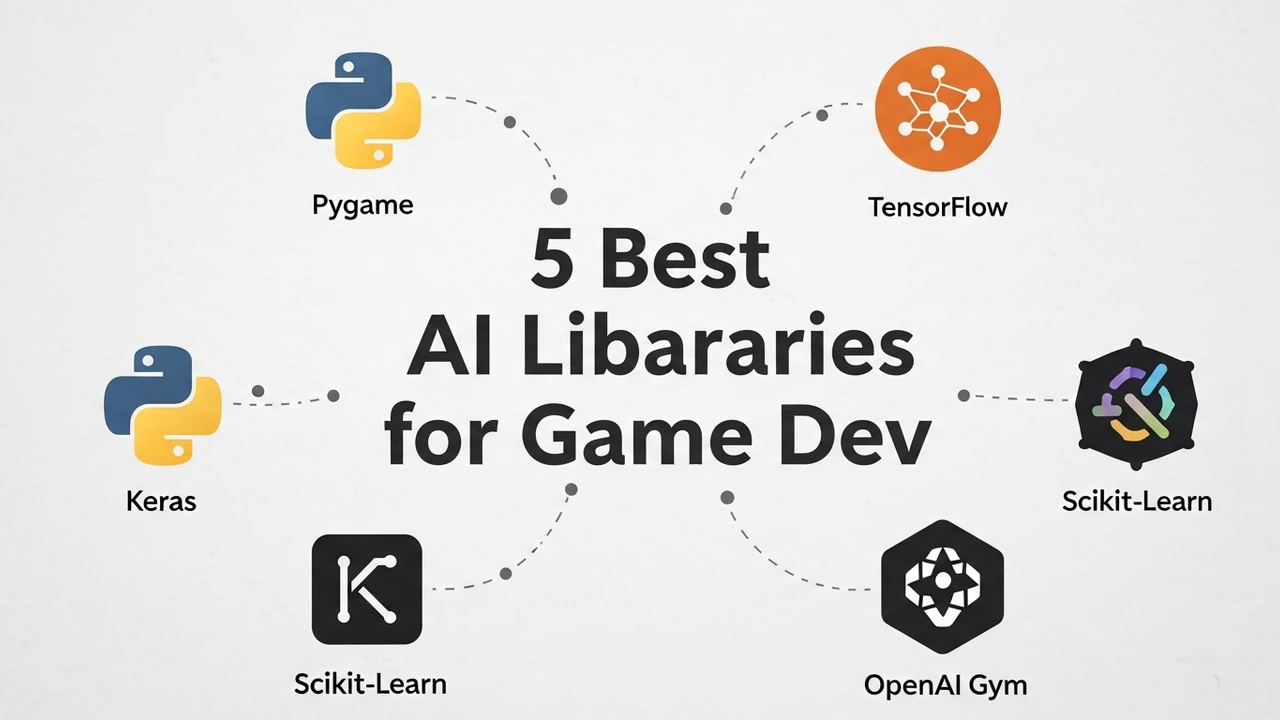
When we talk about AI in games, we are usually looking at a few specific things: pathfinding, decision trees, neural networks for behavior, and maybe even some procedural generation. Here are the five heavy hitters you should be looking at.
First up is PyTorch. If you want to get into deep learning for your game, this is the gold standard. It is incredibly flexible and has a massive community. You can use it to train agents that learn how to play your game through reinforcement learning. It is a bit of a learning curve, but once you get it, the possibilities are endless.
Next, we have TensorFlow. Similar to PyTorch, this is a beast for machine learning. It is great if you are looking for production-ready models. Many developers use it for complex pattern recognition in game environments, like predicting player movement or generating adaptive difficulty curves.
Then there is Stable Baselines3. This is a game-changer for reinforcement learning. It provides a set of reliable implementations of reinforcement learning algorithms in PyTorch. It is perfect for training NPCs to navigate complex maps or fight effectively without having to write every single line of logic yourself.
Don't overlook Scikit-learn. While it is not for deep learning, it is fantastic for classic machine learning tasks. If you need to classify player behavior or cluster different types of game states, this is your go-to. It is fast, efficient, and very easy to integrate into a standard Python game loop.
Finally, Pygame-AI (or similar specialized wrappers). While not a single monolithic library, there are several community-driven projects that bridge the gap between Pygame and AI logic. These are great for beginners who want to implement basic steering behaviors, flocking, and simple state machines without getting bogged down in heavy math.
Comparing AI Tools for Game Logic and Performance
Choosing the right tool depends on what you are trying to build. If you are building a simple 2D platformer, you probably don't need the overhead of PyTorch. You might be better off with a simple state machine or a library like Scikit-learn for basic decision-making. However, if you are building a complex simulation where NPCs need to learn from the player, Stable Baselines3 is going to save you hundreds of hours of coding.
Let's look at the pricing. Most of these are open-source and free, which is the beauty of the Python ecosystem. You aren't paying for the library itself, but you are paying in terms of development time and compute resources. Training a reinforcement learning model can be expensive if you are running it on high-end cloud GPUs, but for local development, a decent gaming PC is usually enough to get started.
Practical Use Cases for Python AI in Games
Imagine you are building a stealth game. You want your guards to patrol, but you also want them to learn where the player usually hides. You could use Stable Baselines3 to train a model that observes the player's position over time. As the player gets better at hiding, the guard's 'memory' of those spots improves. This creates a dynamic difficulty that feels organic rather than scripted.
Another use case is procedural content generation. You can use PyTorch to generate terrain or level layouts that are guaranteed to be 'fun' based on a dataset of successful levels. You feed the AI a bunch of maps that players loved, and it learns the patterns of what makes a level balanced and engaging.
Getting Started with Implementation
To get started, you really just need a solid understanding of Python and a clear idea of what you want your AI to do. Don't try to build a sentient NPC on day one. Start by implementing a simple steering behavior using a basic library, then move up to reinforcement learning once you have the basics down. The community support for these libraries is huge, so if you get stuck, there is almost certainly a tutorial or a forum post that can help you out. Just keep experimenting, keep breaking things, and keep building.
:max_bytes(150000):strip_icc()/277019-baked-pork-chops-with-cream-of-mushroom-soup-DDMFS-beauty-4x3-BG-7505-5762b731cf30447d9cbbbbbf387beafa.jpg)