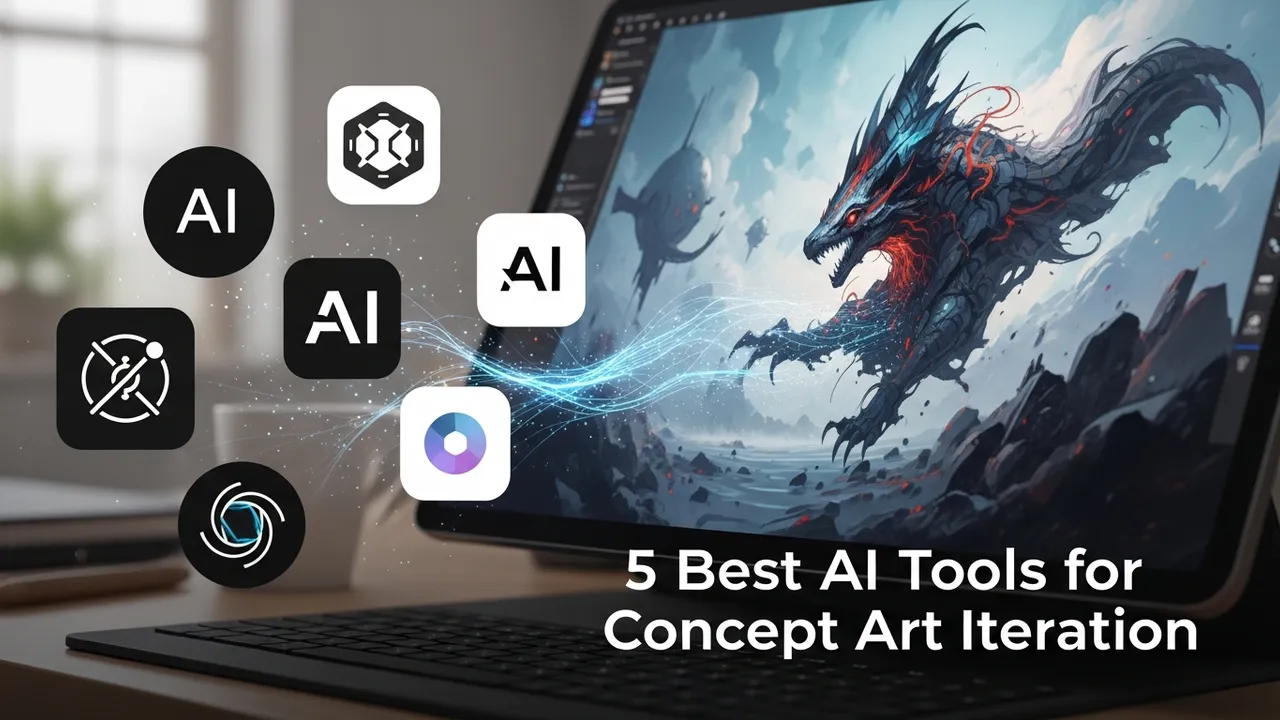
5 Best AI Tools for Concept Art Iteration
Iterate on your game's visual style with these 5 AI tools. Compare their speed, flexibility, and integration with Photoshop.
Iterate on your game's visual style with these 5 AI tools. Compare their speed, flexibility, and integration with Photoshop.
5 Best AI Tools for Concept Art Iteration
If you have ever spent hours tweaking a single character design or environment layout only to realize it just doesn't fit the game's vibe, you know the pain of concept art iteration. In the fast-paced world of game development, speed is everything. You need to get from a rough sketch to a polished concept that your 3D team can actually use, and you need to do it yesterday. That is where AI tools for concept art iteration come into play. They are not here to replace your artistic vision; they are here to act as a super-powered assistant that handles the grunt work, letting you focus on the creative direction.
Top AI Tools for Concept Art Workflow and Rapid Prototyping
When we talk about iteration, we are talking about the ability to change lighting, color palettes, or even entire architectural styles in seconds. The current market is flooded with options, but not all of them are built for the specific needs of game studios. You need tools that understand composition, perspective, and the technical constraints of game assets. Whether you are working on a gritty cyberpunk RPG or a vibrant mobile platformer, these tools can help you explore dozens of variations before you even touch a final render.
Comparing Midjourney and Stable Diffusion for Concept Art Iteration
Midjourney has become the gold standard for artistic flair. Its ability to interpret complex prompts and deliver stunning, high-fidelity images is unmatched. For concept artists, it is perfect for the 'blue sky' phase where you are just trying to nail down the mood. However, it lacks the granular control that professional pipelines often require. On the other hand, Stable Diffusion is the king of control. With features like ControlNet, you can feed the AI a rough sketch or a 3D blockout from Unreal Engine, and it will generate variations that strictly adhere to your composition. If you need to keep your perspective consistent across multiple iterations, Stable Diffusion is the clear winner.
Adobe Firefly and Photoshop Integration for Game Artists
Adobe Firefly is a game-changer because it lives inside the software you already use every day. The Generative Fill feature in Photoshop allows you to iterate on specific parts of an image without having to regenerate the whole thing. Imagine you have a character design you love, but the armor looks a bit too bulky. With Firefly, you can simply select the armor area, type 'sleek sci-fi plating,' and watch it update in place. It is incredibly fast and keeps your workflow non-destructive, which is vital when you are working under tight deadlines.
Leonardo AI and Specialized Game Asset Features
Leonardo AI is a fantastic middle ground. It offers a more user-friendly interface than Stable Diffusion while providing more control than Midjourney. What makes it stand out for game developers is its ability to train custom models. If your game has a very specific art style—say, a hand-painted watercolor look—you can train a model on your existing assets. This ensures that every iteration you generate feels like it belongs in the same world. It is a massive time-saver for maintaining visual consistency across a large project.
Pricing and Accessibility for Indie Studios
Let’s talk numbers. Midjourney operates on a subscription model, usually starting around $10 to $30 per month, which is very affordable for the quality you get. Stable Diffusion is technically free if you have the hardware to run it locally, but you will need a powerful GPU, and the learning curve is steep. Adobe Firefly is included in the Creative Cloud subscription, making it a no-brainer if you are already paying for Photoshop. Leonardo AI offers a generous free tier, with paid plans starting around $12 per month for more advanced features and faster generation times. For an indie studio, the cost-to-benefit ratio of these tools is incredibly high, often paying for themselves in just a few hours of saved labor.
Best Practices for Using AI in Your Concept Pipeline
The secret to using these tools effectively is to treat them as part of a larger pipeline. Don't just generate images and call it a day. Use AI to create the 'base' or the 'mood board,' then take those results into your traditional painting software to refine them. Use AI to generate variations of a prop, pick the best elements from each, and composite them together. The goal is to use AI to get to the 80% mark as quickly as possible, then use your human expertise to push that final 20% into something truly unique and production-ready. By integrating these tools into your daily workflow, you are not just working faster; you are opening up a whole new world of creative possibilities that were previously too time-consuming to explore.
:max_bytes(150000):strip_icc()/277019-baked-pork-chops-with-cream-of-mushroom-soup-DDMFS-beauty-4x3-BG-7505-5762b731cf30447d9cbbbbbf387beafa.jpg)