5 Best AI Tools for Animation Retargeting
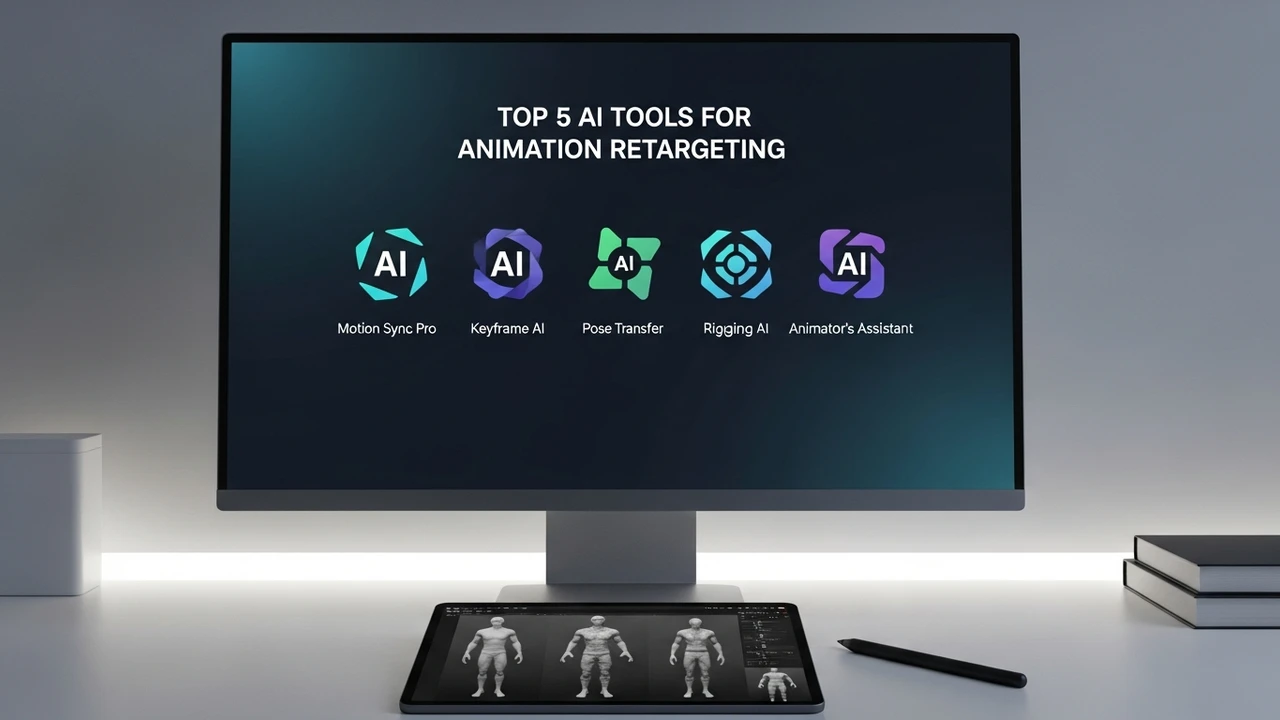
Save time on animation with these 5 AI tools for retargeting. Compare their compatibility with major engines and ease of use.
Save time on animation with these 5 AI tools for retargeting. Compare their compatibility with major engines and ease of use.
5 Best AI Tools for Animation Retargeting
If you have ever spent hours manually adjusting bone weights or fixing jittery motion capture data, you know that animation retargeting is one of the most tedious parts of game development. Thankfully, the landscape has shifted. We are now in an era where AI-driven tools can map complex human movements onto diverse character rigs in seconds. Whether you are working with a stylized indie character or a high-fidelity hero asset, these tools are absolute game-changers.
Understanding AI Animation Retargeting and Motion Matching
At its core, retargeting is the process of transferring animation data from a source skeleton to a target skeleton. Traditionally, this required tedious manual keyframing or complex constraint setups in software like Maya or Blender. AI-powered retargeting changes the game by using machine learning to understand the intent of the movement rather than just the raw joint rotation. This means if your source character is a tall, lanky human and your target is a squat, four-armed alien, the AI intelligently adjusts the limb reach and posture to ensure the animation looks natural.
Top 5 AI Tools for Animation Retargeting
Let’s dive into the heavy hitters. These tools are currently leading the market in terms of speed, accuracy, and engine integration.
1. Move.ai
Move.ai is a powerhouse for markerless motion capture. It allows you to record video from multiple iPhones and convert that footage into high-quality animation data. The retargeting engine built into their platform is incredibly robust, handling complex character proportions with ease. It is perfect for teams that don't have the budget for a full optical mocap studio but need professional-grade results. Pricing starts with a free tier for testing, with professional subscriptions scaling based on project needs.
2. Rokoko Studio
Rokoko is a staple in the indie dev community. Their software features a seamless retargeting workflow that connects directly to Unity and Unreal Engine. What makes Rokoko stand out is its 'Smart Retargeting' feature, which automatically detects the skeleton hierarchy and maps the joints. It is incredibly user-friendly, making it a top choice for solo developers. They offer a subscription model that is quite affordable compared to enterprise solutions.
3. AccuRig by Reallusion
If you are using Character Creator or iClone, AccuRig is a must-have. It is a free, AI-powered tool that can rig any 3D character in minutes. The retargeting capabilities within the Reallusion ecosystem are unmatched for character-heavy games. It handles the 'skinning' and 'weighting' automatically, which is usually the biggest headache in retargeting. Since it is free, it is the best entry point for anyone just starting out.
4. DeepMotion
DeepMotion uses browser-based AI to turn video into 3D animation. Their 'Animate 3D' service is fantastic for quick prototyping. You upload a video, and the AI handles the retargeting to your custom character model. It is particularly good at handling ground contact and foot sliding, which are common issues in cheaper retargeting solutions. They offer a freemium model, making it accessible for small projects.
5. Mixamo by Adobe
While it is an older tool, Mixamo remains a titan for a reason. Its auto-rigger and retargeting system are incredibly fast. If you have a standard humanoid character, you can upload it, apply a motion file, and download the result in minutes. It is completely free for Adobe users, making it the most cost-effective solution on this list.
Comparing Features and Engine Compatibility
When choosing a tool, you need to consider your pipeline. If you are working in Unreal Engine 5, you might prefer tools that support the IK Rig system natively. Move.ai and Rokoko have dedicated plugins that make the transfer process almost instantaneous. On the other hand, if you are working in Unity, you will want to look for tools that support Mecanim retargeting. AccuRig is excellent here because it exports files that are already optimized for Unity's humanoid animation system.
Practical Use Cases for Indie Studios
Imagine you are building a combat-heavy RPG. You need your main character to perform a complex sword swing. Instead of animating it from scratch, you can record yourself performing the move, use Move.ai to capture the data, and then use Rokoko to retarget that motion onto your character model. This workflow cuts down production time from days to hours. For mobile games, where character rigs are often simpler, using Mixamo to quickly apply a library of animations can save you thousands of dollars in outsourcing costs.
Pricing and Scalability
For most indie developers, the cost is the primary factor. AccuRig and Mixamo are free, which is great for getting started. However, as your project grows, you might need the precision of Move.ai or the professional integration of Rokoko. These services typically range from $20 to $100 per month depending on the volume of data you need to process. Always check if the tool offers a 'pay-per-use' model, as this can be much cheaper for smaller studios that only need to animate a few key sequences.
:max_bytes(150000):strip_icc()/277019-baked-pork-chops-with-cream-of-mushroom-soup-DDMFS-beauty-4x3-BG-7505-5762b731cf30447d9cbbbbbf387beafa.jpg)