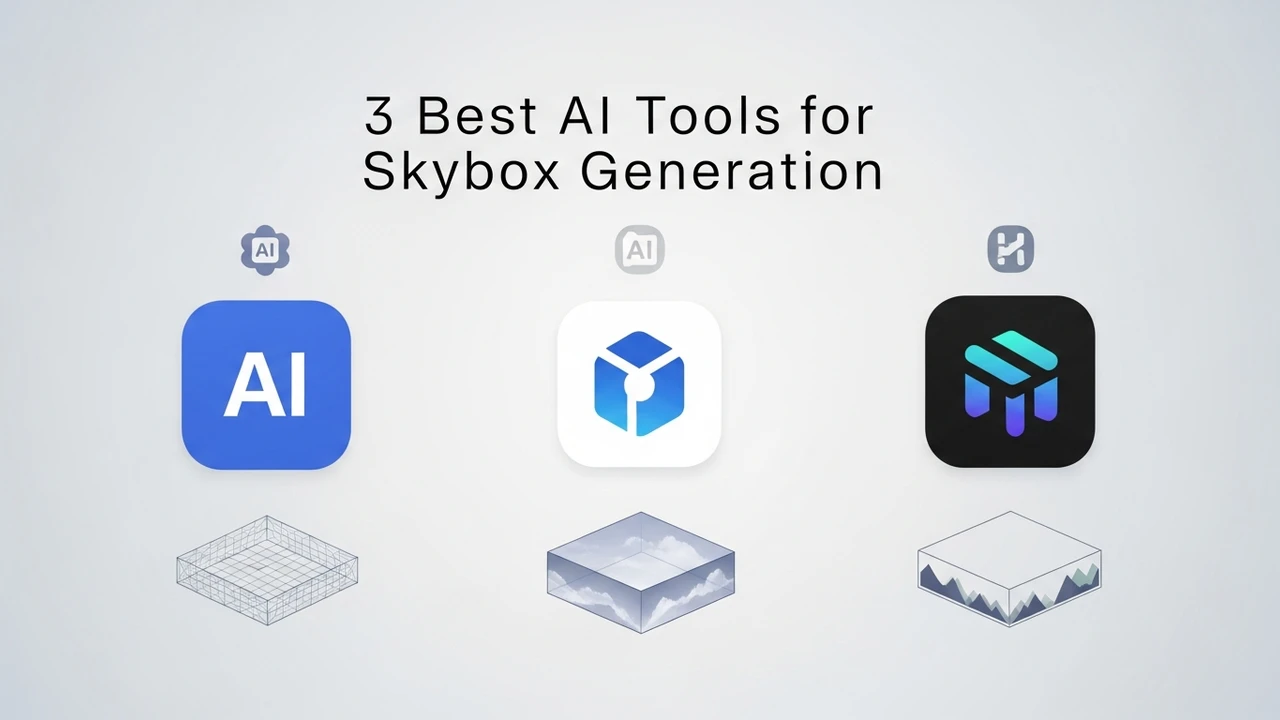
3 Best AI Tools for Skybox Generation
Create stunning skyboxes for your game environments with these 3 AI tools. Compare resolution, lighting, and style options.
Create stunning skyboxes for your game environments with these 3 AI tools. Compare resolution, lighting, and style options.
3 Best AI Tools for Skybox Generation
If you have ever spent hours trying to paint the perfect sunset or a realistic nebula for your game's background, you know how tedious it can be. Skyboxes are the silent heroes of immersion. They set the mood, define the time of day, and give your players a sense of scale. Luckily, the rise of generative AI has completely changed the game. Now, you can generate high-quality, 360-degree panoramic skyboxes in seconds. Let's dive into the best tools currently available to help you level up your environment design.
Skybox AI Tools and Procedural Generation Features
When we talk about AI skybox generation, we are looking for tools that understand spherical projection. A flat image won't cut it if you want a seamless horizon. The top tools today use latent diffusion models trained specifically on panoramic data. This means they don't just create a pretty picture; they create a seamless, wrap-around environment that looks consistent from every angle. Whether you are building a sci-fi space station or a cozy fantasy village, these tools handle the complex lighting and atmospheric scattering that used to take artists days to perfect.
Blockade Labs Skybox AI for Rapid Prototyping
Blockade Labs is arguably the industry leader right now. It is incredibly user-friendly and built specifically for game developers. You type in a prompt like "cyberpunk city at night with neon rain" and it spits out a 360-degree skybox. The best part? It offers a depth map, which is a game-changer for Unity and Unreal Engine users. You can actually use that depth data to create parallax effects, making your skybox feel like a real, 3D space rather than just a flat wallpaper.
In terms of pricing, they offer a generous free tier for hobbyists, while their pro plans unlock higher resolutions and commercial rights. It is perfect for rapid prototyping where you need to test a mood before committing to a final art style.
Skybox AI vs Stable Diffusion for Environment Design
You might be wondering why you wouldn't just use Stable Diffusion. While Stable Diffusion is powerful, it is not natively built for 360-degree equirectangular projection. You can use plugins like ControlNet to force it into a panoramic shape, but the seams are often visible, and the lighting consistency is hit-or-miss. Blockade Labs and similar dedicated tools handle the "seam-stitching" automatically. If you are a professional studio, the time saved on fixing seams is worth the subscription cost of a dedicated tool.
Scenario AI for Stylized Game Assets
Scenario AI is another heavy hitter, especially if you are looking for a specific art style. Unlike general-purpose generators, Scenario allows you to train your own models on your game's existing art assets. This is huge. If your game has a very specific hand-painted look, you can feed the AI your textures, and it will generate skyboxes that match your game's aesthetic perfectly. It is less about "generic beauty" and more about "brand consistency."
Pricing for Scenario is tiered based on generation credits. It is a bit more expensive than Blockade, but for a studio that needs a cohesive visual identity, it is worth every penny. You aren't just getting a skybox; you are getting a skybox that feels like it belongs in your game.
Comparison of Resolution and Lighting Capabilities
When comparing these tools, look at the output resolution. For VR games, you need at least 4K or 8K resolution to avoid pixelation when the player looks up. Blockade Labs currently supports high-res exports that are ready for production. Another factor is lighting. Some tools allow you to specify the sun position, which is critical if you want your skybox to match the directional light in your game engine. Always check if the tool provides an HDR output, as this will save you from having to manually color-correct the skybox in Photoshop later.
Practical Use Cases for Indie Developers
Imagine you are building a walking simulator. You need ten different locations. Instead of hiring a concept artist for each one, you use these AI tools to generate the base, then paint over the details. This workflow allows you to iterate on the "vibe" of your game in real-time. You can show your team five different versions of a forest at dawn in under ten minutes. It changes the entire pace of development. You are no longer waiting for assets; you are creating them as you think of them.
If you are working on a mobile game, these tools are even more valuable. You can generate lightweight, optimized skyboxes that don't bloat your build size. Just remember to run them through a texture compressor after you export them from the AI tool to ensure they play nice with your engine's memory budget.
:max_bytes(150000):strip_icc()/277019-baked-pork-chops-with-cream-of-mushroom-soup-DDMFS-beauty-4x3-BG-7505-5762b731cf30447d9cbbbbbf387beafa.jpg)