Unity vs Unreal Engine for AI Integration
A comprehensive comparison of Unity and Unreal Engine regarding AI toolsets. Find out which engine offers better support for machine learning and procedural generation.
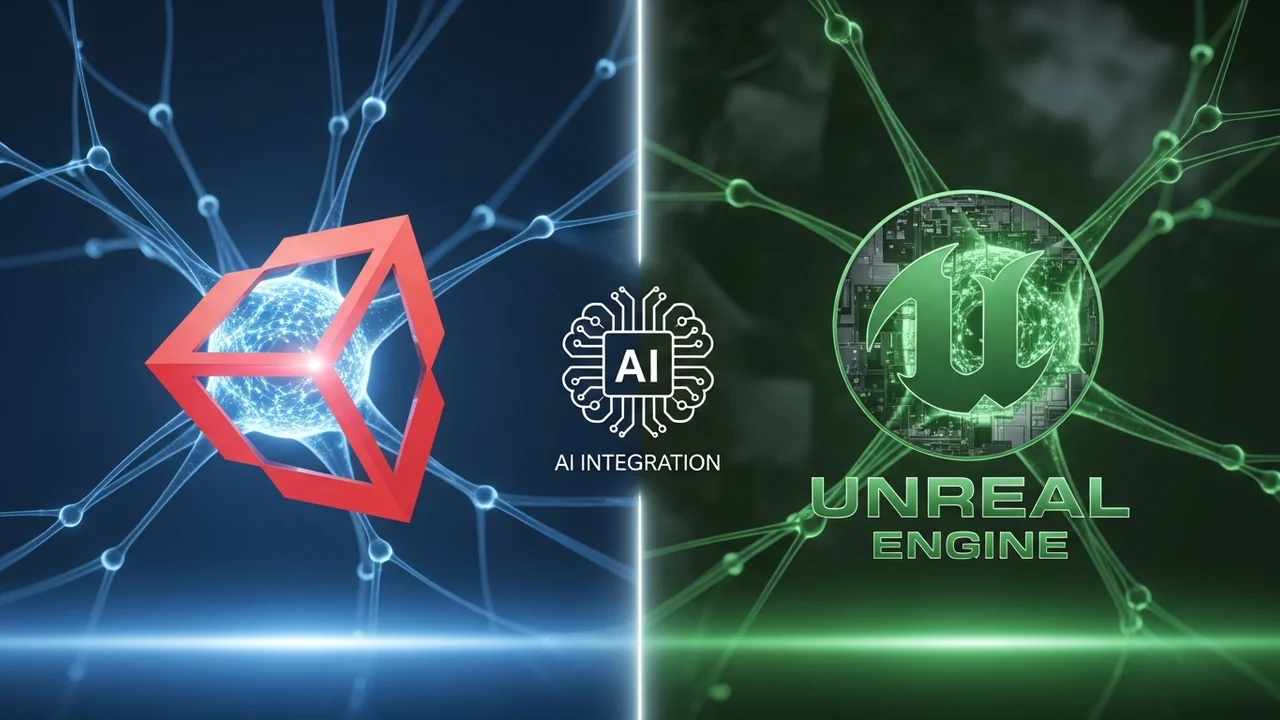
A comprehensive comparison of Unity and Unreal Engine regarding AI toolsets. Find out which engine offers better support for machine learning and procedural generation.
Unity vs Unreal Engine for AI Integration
So, you are standing at the crossroads of game development, trying to decide between Unity and Unreal Engine for your next AI-heavy project. It is a classic debate, and honestly, both engines have evolved massively in the last few years. Whether you are building a complex strategy game with thousands of agents or a narrative-driven RPG with smart NPCs, the choice of engine dictates how you handle your AI architecture. Let’s dive into the nitty-gritty of how these two giants handle artificial intelligence.
Unity AI Frameworks and Machine Learning Integration
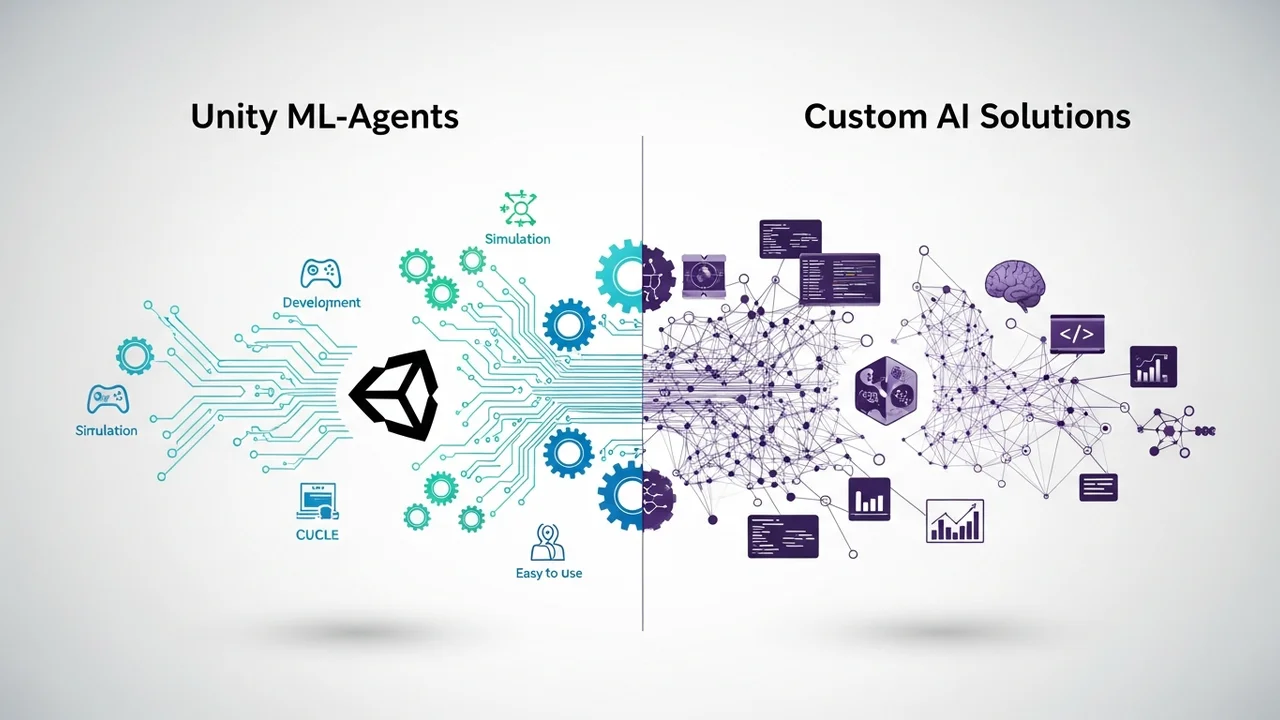
Unity has always been the darling of the indie scene, and its approach to AI is very modular. If you are looking for a flexible environment where you can plug in various libraries, Unity is fantastic. The star of the show here is Unity ML-Agents. This toolkit allows you to train intelligent agents using reinforcement learning in a Unity environment. It is built on top of PyTorch, which is a huge plus if you have any background in data science or Python.
Beyond ML-Agents, Unity relies heavily on its NavMesh system for pathfinding. It is straightforward, reliable, and gets the job done for most 3D games. For more complex logic, many developers turn to the Visual Scripting tool (formerly Bolt) or third-party assets like Behavior Designer. The beauty of Unity is the Asset Store. If you need a specific AI behavior, there is a 90% chance someone has already built a plugin for it.
Unreal Engine AI Toolsets and Procedural Generation
Now, let’s talk about the powerhouse that is Unreal Engine. If Unity is a modular toolkit, Unreal is a complete, high-end studio. Unreal comes with built-in AI systems that are incredibly robust right out of the box. We are talking about Behavior Trees, Environment Query Systems (EQS), and the Perception System. These are not just plugins; they are core components of the engine.
The Behavior Tree editor in Unreal is arguably the best in the industry. It allows you to visualize complex NPC logic without writing a single line of code. When you combine this with the EQS, you can create NPCs that don't just walk from A to B, but actually 'think' about their environment—like finding the best cover spot during a firefight or choosing a path that keeps them in the shadows. For procedural generation, Unreal’s PCG (Procedural Content Generation) framework is a game-changer, allowing you to populate massive worlds with AI-driven logic in real-time.
Comparing AI Performance and Development Workflow
When we look at performance, Unreal Engine generally takes the lead for large-scale, high-fidelity projects. Its C++ backbone allows for deeper optimization of AI calculations. If you are running hundreds of agents simultaneously, Unreal’s Mass Entity system is designed specifically to handle that kind of load. Unity, on the other hand, has been pushing hard with its Data-Oriented Technology Stack (DOTS). While it is incredibly fast, it has a steeper learning curve compared to Unreal’s out-of-the-box solutions.
In terms of workflow, Unity is faster for prototyping. You can drag and drop a few scripts, test an AI behavior, and iterate in seconds. Unreal requires a bit more setup, but once your AI architecture is in place, it is much easier to scale. If you are a solo dev or a small team, Unity’s C# environment is usually more approachable. If you are aiming for AAA-quality AI with complex state machines, Unreal’s visual tools will save you hundreds of hours.
Recommended AI Tools and Pricing Models
To really supercharge your AI, you might want to look at some specific tools. For Unity, Behavior Designer is a must-have. It costs around $75 and provides a professional-grade behavior tree implementation that integrates perfectly with Unity’s workflow. For Unreal, you are mostly covered by the engine itself, but Mass AI is a feature you should definitely master. It is free, included in the engine, and essential for crowd simulation.
If you are looking at cloud-based AI, Inworld AI is a fantastic cross-engine solution. It allows you to integrate LLM-driven NPCs into both Unity and Unreal. They offer a free tier for hobbyists, with professional plans starting around $20-$50 per month depending on your API usage. It is a great way to add 'human-like' dialogue to your characters without building a custom natural language processing pipeline from scratch.
Ultimately, the choice comes down to your team's expertise. If you love C# and want a massive library of third-party assets, go with Unity. If you want a professional, all-in-one suite with the best visual AI editors on the market, Unreal Engine is your best bet. Both are capable of creating incredible AI experiences, so you really cannot go wrong as long as you pick the one that fits your project's scope.
:max_bytes(150000):strip_icc()/277019-baked-pork-chops-with-cream-of-mushroom-soup-DDMFS-beauty-4x3-BG-7505-5762b731cf30447d9cbbbbbf387beafa.jpg)