3 Best AI Tools for 3D Asset Generation
Speed up your 3D pipeline with these 3 AI tools. Compare their ability to generate meshes, textures, and UV maps from 2D images.
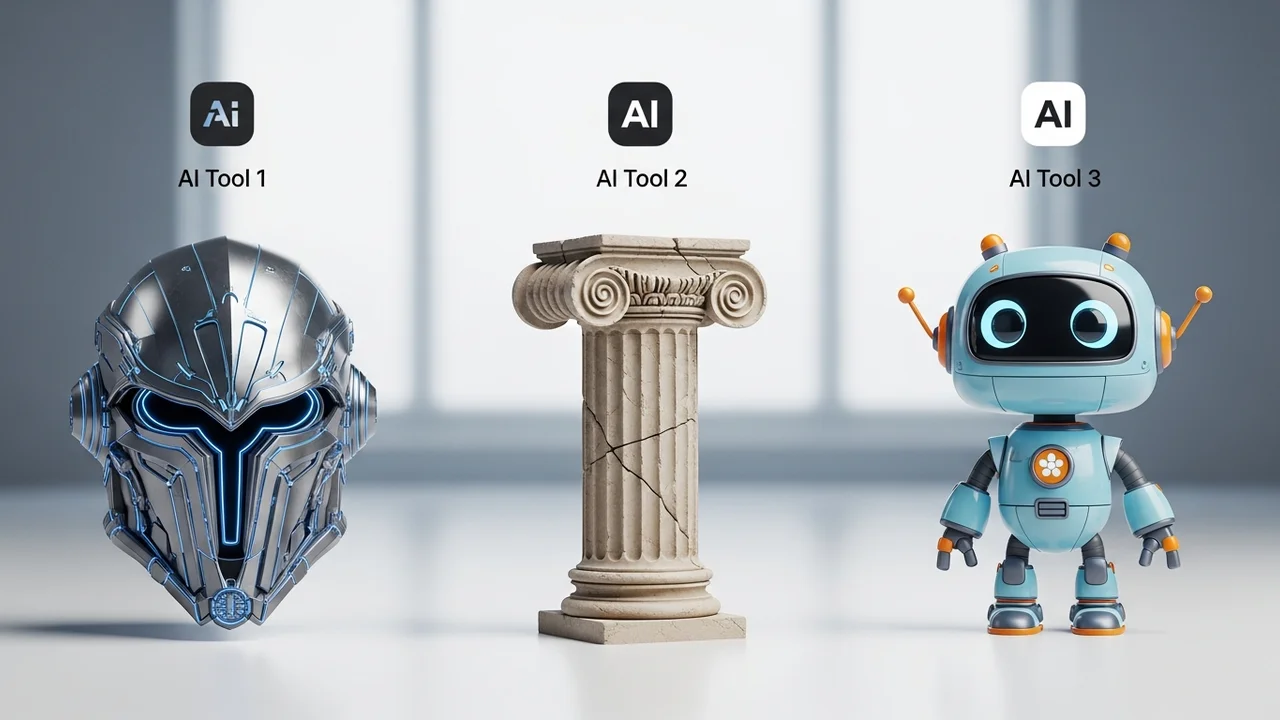
Speed up your 3D pipeline with these 3 AI tools. Compare their ability to generate meshes, textures, and UV maps from 2D images.
3 Best AI Tools for 3D Asset Generation
If you have ever spent hours manually sculpting a rock or unwrapping UVs for a simple prop, you know the pain of 3D asset creation. It is the bottleneck of game development. But lately, the landscape has shifted. AI is no longer just for 2D images; it is now a powerhouse for 3D modeling. Whether you are an indie dev in Southeast Asia or a studio in the US, these tools are going to save you hundreds of hours. Let’s dive into the top three contenders that are changing the game right now.
Top AI Tools for 3D Mesh Generation and Procedural Modeling
First up is Meshy.ai. This tool has become a favorite for rapid prototyping. You can literally type a prompt like 'low poly medieval barrel' and get a 3D model in seconds. It is incredibly fast, and the best part is that it generates the mesh, the texture, and even the normal maps for you. It is perfect for filling out background environments where you don't need hero-asset quality but need a lot of variety. The workflow is simple: prompt, generate, refine, and export as an OBJ or GLB file. It is a massive time-saver for indie teams who don't have a dedicated 3D modeler on staff.
Comparing AI Texture Generation and UV Mapping Capabilities
Next, we have CSM (Common Sense Machines). This tool is a bit more technical and focuses on turning 2D images into 3D assets. If you have a concept artist who draws a character or a weapon, you can feed that image into CSM, and it will reconstruct the 3D geometry. It is particularly good at handling silhouettes. Compared to Meshy, CSM feels a bit more 'sculptural.' It is great for when you have a specific vision and need the AI to interpret your 2D art rather than just guessing from a text prompt. The UV mapping is surprisingly clean, which makes it much easier to bring into Unity or Unreal Engine without having to redo the topology from scratch.
Pricing and Use Cases for AI 3D Asset Software
Finally, let’s talk about Luma AI, specifically their Genie and interactive 3D capture features. Luma is the gold standard if you want to bring real-world objects into your game. You can take a series of photos of a real-world object, and Luma will turn it into a high-fidelity 3D asset. This is a game-changer for realistic games. In terms of pricing, most of these tools operate on a credit-based system. Meshy offers a free tier with limited generations, while their pro plans start around $20 to $30 per month. CSM has a similar structure, often catering to developers who need bulk generation. Luma is often free for the capture side, but they charge for high-quality API access or commercial usage rights.
Integrating AI Generated Assets into Game Engines
When you are integrating these into your pipeline, remember that AI-generated meshes often come with high poly counts or messy topology. You will almost always want to run them through a tool like InstaMesh or simply use the 'Decimate' modifier in Blender to optimize them for mobile or web-based games. The key is to use these tools as a base. Don't expect a production-ready hero character on the first try. Use the AI to get 80% of the way there, then spend your time on the final 20%—the polish, the rigging, and the shader setup. That is where the real magic happens. By combining these AI tools, you can build a massive library of assets in a fraction of the time it used to take, allowing you to focus on the actual gameplay mechanics and interactive AI systems that make your game stand out in a crowded market.
:max_bytes(150000):strip_icc()/277019-baked-pork-chops-with-cream-of-mushroom-soup-DDMFS-beauty-4x3-BG-7505-5762b731cf30447d9cbbbbbf387beafa.jpg)