3 Best AI Frameworks for Mobile Game Development
Optimize your mobile games with these 3 AI frameworks. Learn how to implement smart NPCs and adaptive difficulty on resource-constrained devices.
Optimize your mobile games with these 3 AI frameworks. Learn how to implement smart NPCs and adaptive difficulty on resource-constrained devices.
3 Best AI Frameworks for Mobile Game Development
Developing for mobile is a whole different beast compared to PC or console gaming. You are constantly fighting against thermal throttling, battery drain, and limited RAM. When you add AI into the mix, things get even trickier. You want smart NPCs and adaptive difficulty, but you cannot afford to have your game stutter every time an enemy decides to take cover. That is why choosing the right AI framework is the most critical decision you will make early in your development cycle.
Understanding AI Frameworks for Mobile Game Performance
Mobile devices have specific hardware constraints that make traditional, heavy AI solutions impractical. You need frameworks that are lightweight, optimized for ARM architectures, and capable of running on mobile GPUs or NPUs. When we talk about AI in mobile games, we are usually looking at two main categories: behavior-based AI for NPCs and machine learning models for adaptive difficulty. The best frameworks bridge the gap between high-level logic and low-level performance.
Top 3 AI Frameworks for Mobile Game Development
After testing various solutions, three frameworks stand out for their balance of power and efficiency on mobile platforms.
1. Unity ML-Agents for Mobile Integration
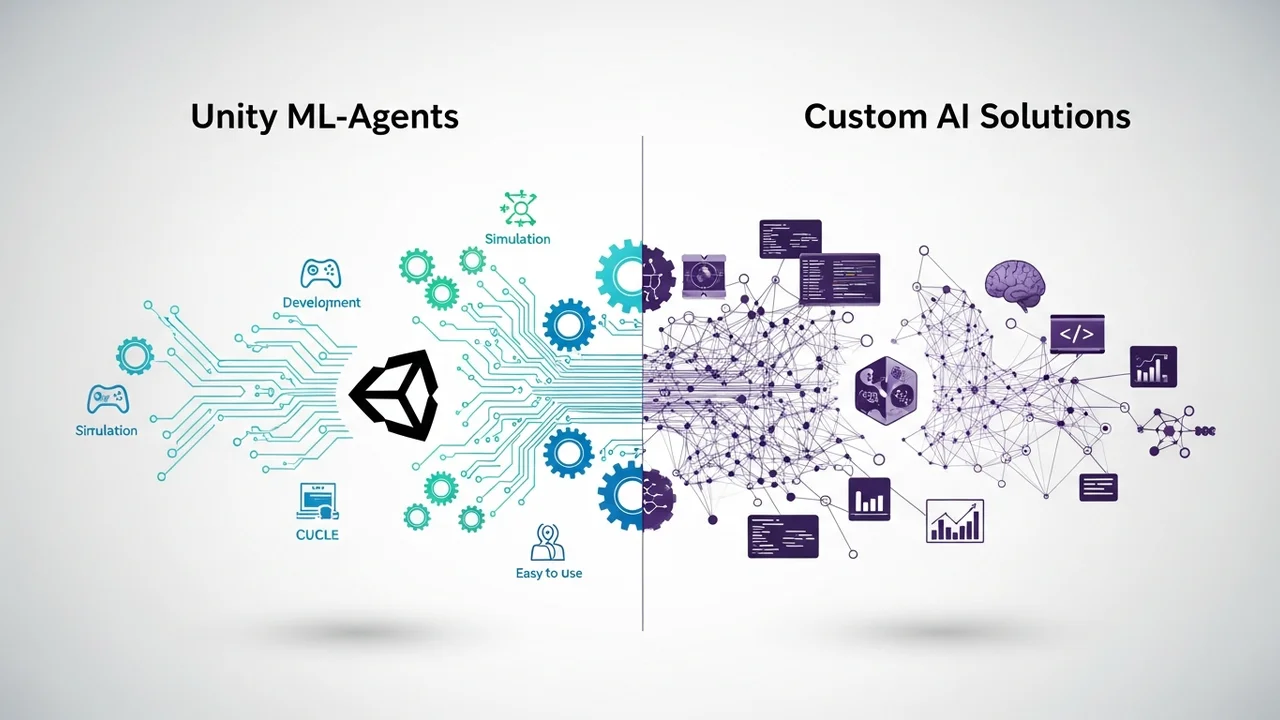
Unity ML-Agents is the gold standard for developers already working within the Unity ecosystem. It allows you to train intelligent agents using reinforcement learning and then deploy them directly into your mobile build. The beauty of ML-Agents is that the heavy lifting happens during the training phase on your PC. Once the model is trained, it is exported as a lightweight inference file that runs smoothly on mobile devices.
Use Case: Perfect for complex NPC behaviors like racing game opponents or tactical combatants that need to learn from player patterns.
Pricing: Free and open-source, making it the best choice for indie developers.
2. TensorFlow Lite for Mobile Game Logic
If you need more than just NPC movement—perhaps you want to implement gesture recognition or real-time image processing—TensorFlow Lite is your go-to. It is specifically designed to run machine learning models on mobile devices with minimal latency. It is highly optimized for both Android and iOS, ensuring that your AI logic does not hog the CPU.
Use Case: Ideal for games that require computer vision, such as AR games or games that react to player facial expressions.
Pricing: Open-source and free to use.
3. Behavior Designer for Mobile NPC Systems
Sometimes you do not need deep learning; you need robust, reliable decision trees. Behavior Designer is a visual editor that allows you to create complex NPC logic without writing thousands of lines of code. It is incredibly efficient because it compiles your behavior trees into highly optimized C# code, which is perfect for the performance-sensitive mobile environment.
Use Case: Best for traditional RPGs or strategy games where NPCs need to follow specific rules and state machines.
Pricing: Paid asset (approx. $80), but the time saved in debugging is well worth the investment.
Comparing AI Frameworks for Resource Constrained Devices
When comparing these, consider your team's technical expertise. Unity ML-Agents requires a solid understanding of Python and reinforcement learning. TensorFlow Lite is great for developers who want to push the boundaries of what mobile hardware can do. Behavior Designer is the most accessible, allowing designers to build complex systems without needing a PhD in data science.
If you are building a casual game, stick with Behavior Designer. If you are building a competitive shooter or a complex simulation, Unity ML-Agents will give you that edge in NPC intelligence. For anything involving AR or camera input, TensorFlow Lite is the only serious contender. Always remember to profile your game on low-end devices early. Even the best AI framework can cause frame drops if you have too many active agents running simultaneously. Keep your logic simple, use object pooling for your AI entities, and always prioritize the player's frame rate over the complexity of your NPC's thought process.
:max_bytes(150000):strip_icc()/277019-baked-pork-chops-with-cream-of-mushroom-soup-DDMFS-beauty-4x3-BG-7505-5762b731cf30447d9cbbbbbf387beafa.jpg)