Applitools vs Testim for Game UI Testing
Comparing Applitools and Testim for testing game UI. Which tool is better for visual regression testing and cross-platform support?
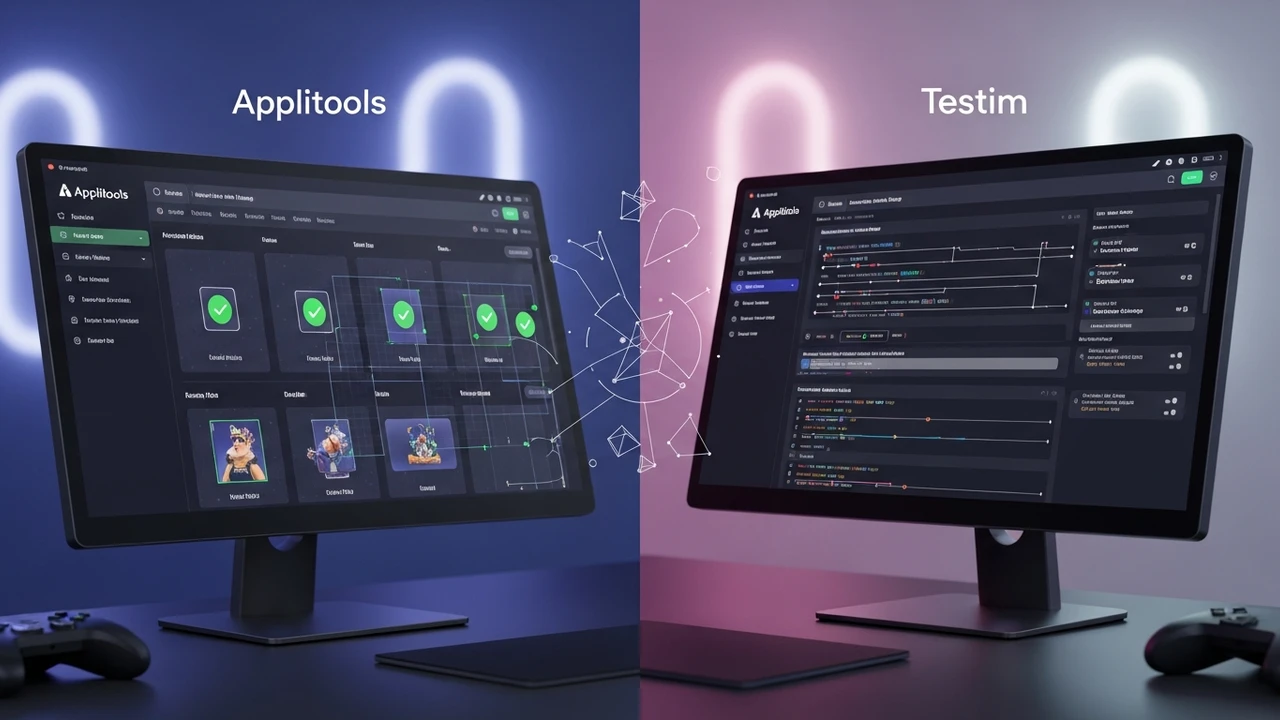
Comparing Applitools and Testim for testing game UI. Which tool is better for visual regression testing and cross-platform support?
Applitools vs Testim for Game UI Testing
If you have ever spent hours manually checking if a button shifted three pixels to the left after a minor update, you know the pain of game UI testing. It is tedious, repetitive, and honestly, a massive waste of your creative energy. That is where AI-powered testing tools like Applitools and Testim come into play. They are changing the game by automating the visual verification process, ensuring your UI looks perfect across every device and resolution. But which one should you actually pick for your studio? Let’s break it down.
Visual AI Capabilities in Applitools for Game UI
Applitools is essentially the gold standard when it comes to Visual AI. It uses a proprietary algorithm that mimics the human eye, meaning it can tell the difference between a genuine UI bug and a minor rendering artifact that does not actually matter. For game developers, this is huge. You are dealing with complex, dynamic environments where static testing often fails. Applitools excels at visual regression testing, which means it takes a snapshot of your game UI and compares it against a baseline. If something looks off, it flags it. It is incredibly smart about ignoring noise, which saves you from those annoying false positives that plague traditional pixel-by-pixel comparison tools.
Testim Features for Automated Game UI Workflows
On the other side of the ring, we have Testim. While Applitools is the king of visual precision, Testim is the master of workflow automation. It uses AI to make your tests more stable. You know how UI tests usually break the moment you change a CSS class or move an element? Testim uses smart locators to identify elements based on multiple attributes, not just a fragile ID. This means your tests stay alive even when your UI evolves. For a fast-paced game development cycle where you are constantly iterating on menus and HUD elements, Testim’s ability to self-heal is a total lifesaver.
Comparing Applitools and Testim for Cross Platform Game Testing
When you are looking at cross-platform support, both tools handle the heavy lifting, but they do it differently. Applitools is fantastic if your game has a heavy web-based UI or if you are using engines that render through web views. It integrates seamlessly with almost any framework. Testim, however, shines when you need to build complex end-to-end user flows. If you want to test a player logging in, navigating to the store, and making a purchase, Testim’s drag-and-drop interface makes it easy to map out those journeys without writing a single line of code. If your priority is pixel-perfect visual integrity, go with Applitools. If your priority is robust, maintainable functional flows, Testim is your best bet.
Recommended Products and Use Cases for Game UI Automation
Beyond these two, there are other tools worth a look. For instance, Percy is a great lightweight alternative if you just need simple visual snapshots. Then there is Mabl, which is an all-in-one testing platform that handles both functional and visual testing, making it a great choice for smaller teams that do not want to juggle multiple subscriptions. Use cases for these tools are endless. You can use them to verify that your localized text does not overflow the UI boxes in different languages, or to ensure that your HUD scales correctly on ultra-wide monitors versus standard 16:9 screens.
Pricing and Integration Details for Testing Tools
Let’s talk money. Applitools usually operates on a tiered model, often starting with a free tier for small projects, but scaling up significantly for enterprise-level visual testing. You are paying for that high-end AI accuracy. Testim also offers a free tier, which is surprisingly generous for indie developers, and their paid plans are generally structured around the number of test executions. It is worth noting that both tools offer integrations with CI/CD pipelines like Jenkins, GitHub Actions, and CircleCI. This means you can trigger a visual test every time you push a build, catching UI bugs before they ever reach your players. It is all about shifting left and finding those issues early, which is the secret to keeping your development costs down and your player satisfaction high.
:max_bytes(150000):strip_icc()/277019-baked-pork-chops-with-cream-of-mushroom-soup-DDMFS-beauty-4x3-BG-7505-5762b731cf30447d9cbbbbbf387beafa.jpg)