3 Best AI Tools for Localization Testing
Test your game's localization with these 3 AI tools. Compare their ability to identify translation errors and UI layout issues.
Test your game's localization with these 3 AI tools. Compare their ability to identify translation errors and UI layout issues.
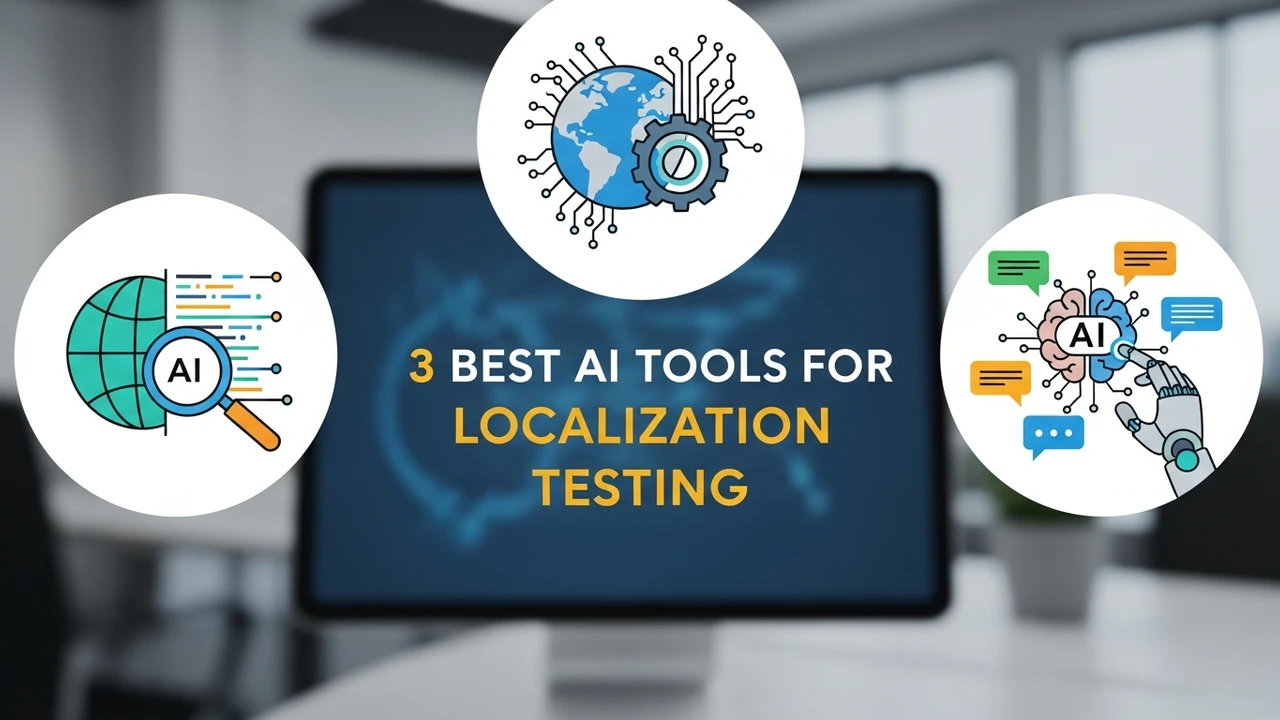
3 Best AI Tools for Localization Testing
So, you have finally finished your game. The mechanics are tight, the art is stunning, and the code is clean. But now comes the real challenge: taking that game global. If you are targeting the US and Southeast Asia, you know that a simple machine translation just won't cut it. You need to ensure that your text fits the UI, the cultural nuances are correct, and the game feels like it was built for the local player. That is where AI-driven localization testing comes in. Let's dive into the best tools to make your game feel native everywhere.
Understanding AI Localization Testing and UI Layout Challenges
Localization testing is often the most overlooked part of game development. You might have a perfect English string, but once you translate it into Thai or Vietnamese, the character count explodes, breaking your carefully designed UI buttons. AI tools now allow us to automate the detection of these layout overflows and linguistic inconsistencies. By using computer vision and natural language processing, these tools can scan your game screens in multiple languages and flag issues before they reach your players.
Top 3 AI Tools for Game Localization Testing
When it comes to choosing the right software, you need something that integrates well with your existing pipeline. Here are the top three contenders currently dominating the market.
1. Lokalise
Lokalise is a powerhouse for game developers. It is not just a translation management system; it has built-in AI features that check for UI constraints. You can set character limits for specific UI elements, and the AI will warn you if a translation exceeds that limit. It is incredibly popular for teams working in fast-paced environments.
2. Phrase
Phrase is another heavy hitter. What makes it stand out is its robust API and its ability to handle complex file formats like JSON, XML, and YAML, which are common in game engines like Unity and Unreal. Its AI-powered quality assurance checks look for missing placeholders and inconsistent terminology across your entire project.
3. Transifex
Transifex is fantastic for teams that want a more visual approach. It offers a 'Live' feature where you can see how the translated text looks directly in your game environment. The AI engine helps in suggesting translations based on your game's specific glossary, ensuring that your terminology remains consistent throughout the entire narrative.
Comparing Features and Pricing Models
Choosing between these three depends on your budget and team size. Lokalise usually starts around $120 per month for small teams, offering a great balance of features. Phrase is more enterprise-focused, with custom pricing that scales as your game grows. Transifex offers a more flexible pay-as-you-go model, which is perfect for indie developers who are just starting their localization journey.
Real World Use Cases for AI Localization
Imagine you are launching a mobile RPG in Indonesia. You have thousands of lines of dialogue. Manually checking every single line for UI overflow is a nightmare. By integrating an AI tool like Lokalise into your CI/CD pipeline, every time a translator updates a string, the system automatically takes a screenshot of the UI. If the text is too long, it flags it immediately. This saves hundreds of hours of manual QA time and ensures that your launch day is smooth and bug-free.
Best Practices for Integrating AI into Your Workflow
Don't just rely on the AI to do everything. Use these tools as a first pass. Always have a native speaker review the AI's suggestions, especially for cultural idioms. The goal is to use AI to handle the heavy lifting—like checking character counts and formatting—so your human translators can focus on the creative aspects of the dialogue. Keep your glossary updated, use consistent placeholders, and always test on the actual target devices to see how the fonts render in different languages.
:max_bytes(150000):strip_icc()/277019-baked-pork-chops-with-cream-of-mushroom-soup-DDMFS-beauty-4x3-BG-7505-5762b731cf30447d9cbbbbbf387beafa.jpg)